
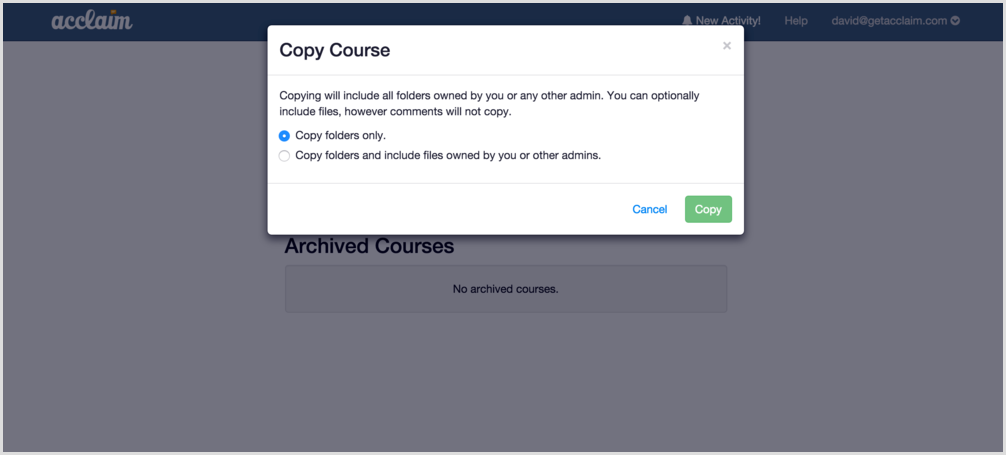
You may want to copy a course to duplicate a certain folder set up or to smoothly transition from one term to the next. Either way, copying a course is just a couple of clicks away.
To take advantage of this, when logged in, simply click on the settings icon next to the course name and click on “copy” under course actions. You will then have the option to include files as part of the copy.
0 Comments