
You may export comments either for a specific video or all comments within a folder.
Exporting comments on a video
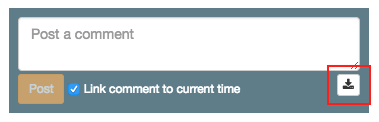
To export comments on a video, simply click on the download button found on the comment box next to the video.
Exporting all comments in a folder
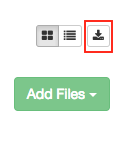
To export all comments across all videos in a folder, use the download button within the folder, next to the view toggles.
0 Comments