
Within courses, you and your students may create folders. Folders are extremely flexible and can be used for a variety of activities, assignments, discussions, or even as a content library.
Folders "hold" content, such as videos, and can be used to set permissions for students. First, you'll want to create folders.
Creating Folders
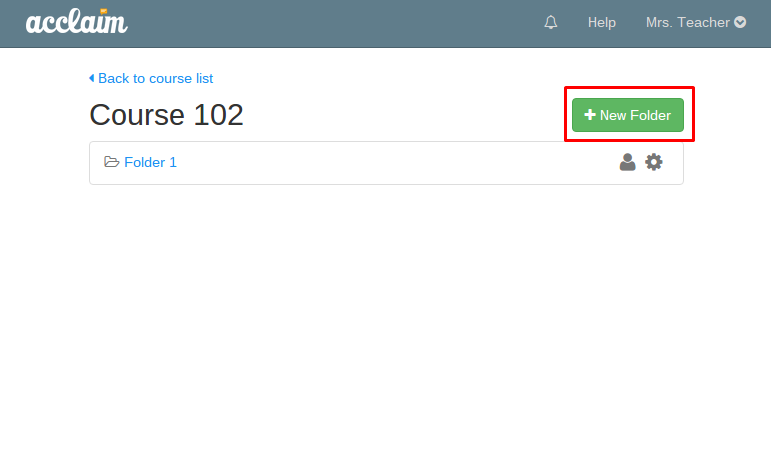
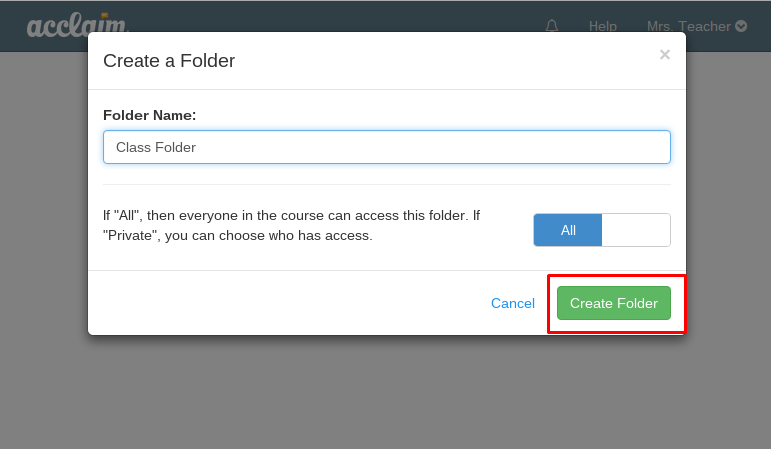
To create a folder, simply click on "New folder" and name it appropriately. Your students may create their own folders as well. Note that a folder created by a student will be, by default, private to that student and course admins or instructors.
Folder Access
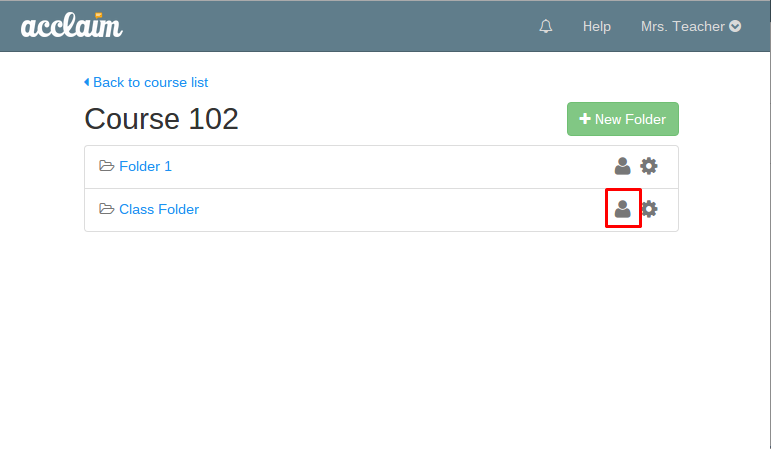
Unless marked private, folders are open to anyone within a course. You may change folder access by clicking on the person icon next to the folder name.
Folder Permissions
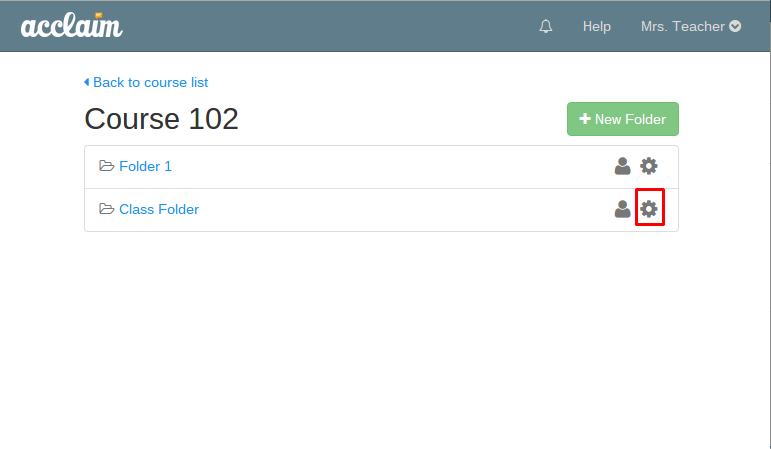
Users with access to folders may upload files into folders, download files, and comment around those files. These permissions can be changed through the folder settings menu, which you can find by clicking on the cogwheel icon next to the folder name.
0 Comments