
Acclaim has a simple and robust hierarchy of courses, folders within those courses, and finally files within each folder.
The first step in getting started is creating a course and then sharing access to that course through the course link.
Creating a course
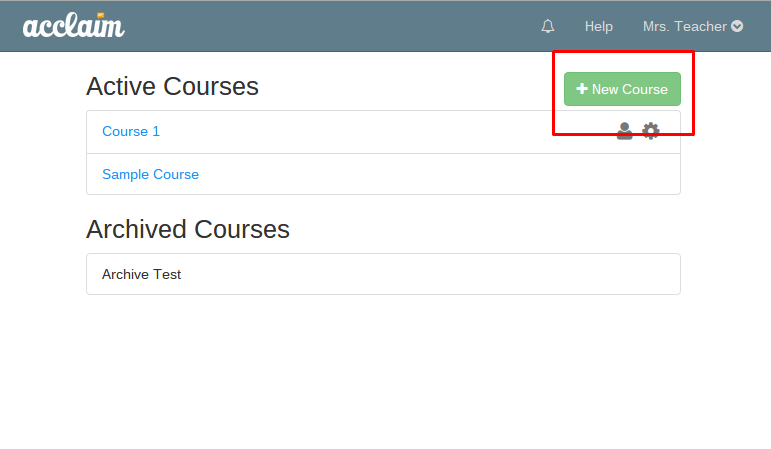
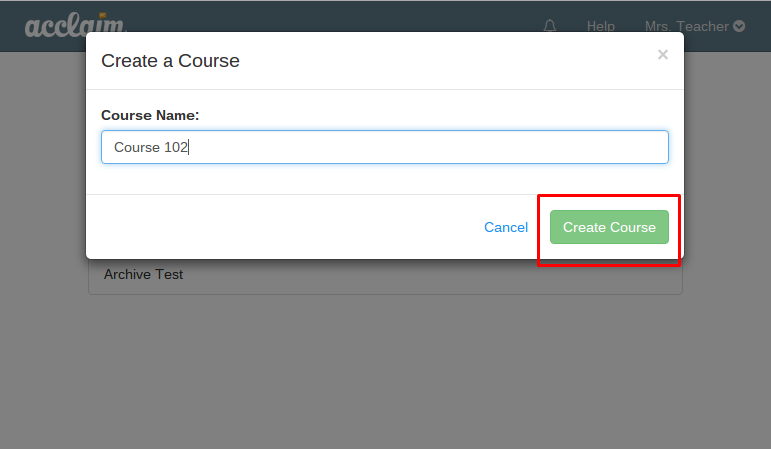
To create a course, simply click the "New course" button and name your course appropriately.
Sharing access with students
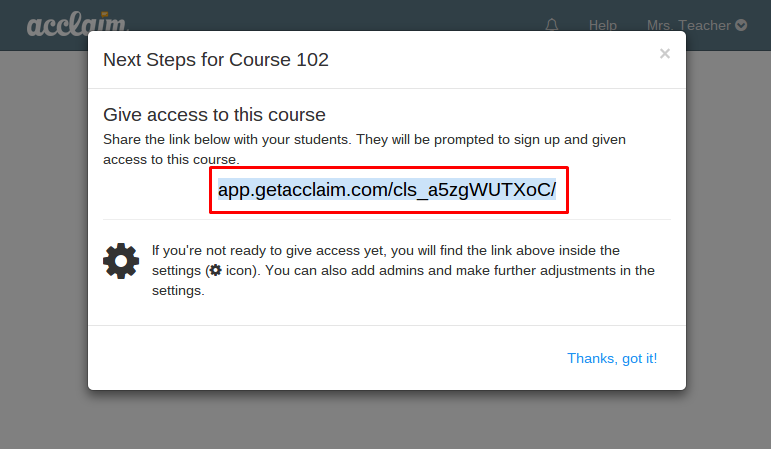
Upon creating the course, Acclaim will provide the course link, which is what you want to share with your students who need to enroll in the course. You can simply email this to your students or include it in your syllabus / course management system. If you're not ready to share access right away, you can always find this link later in your course access settings by clicking on the person icon next to the course name.
Joining your course as a student
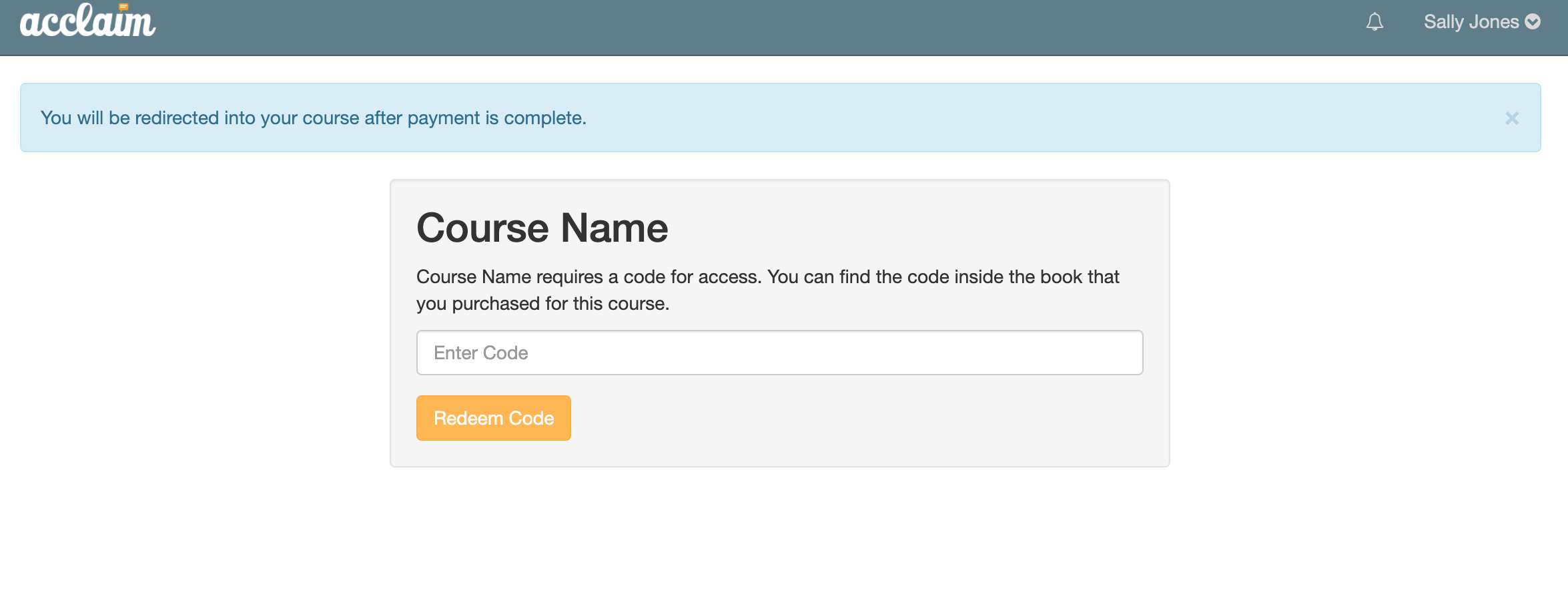
If you are a student and you have your course link, or Acclaim is integrated in your LMS, simply navigate to the link by clicking on it, and if necessary, you will be prompted to enter your access code (see below) or purchase access directly on that page.
0 Comments